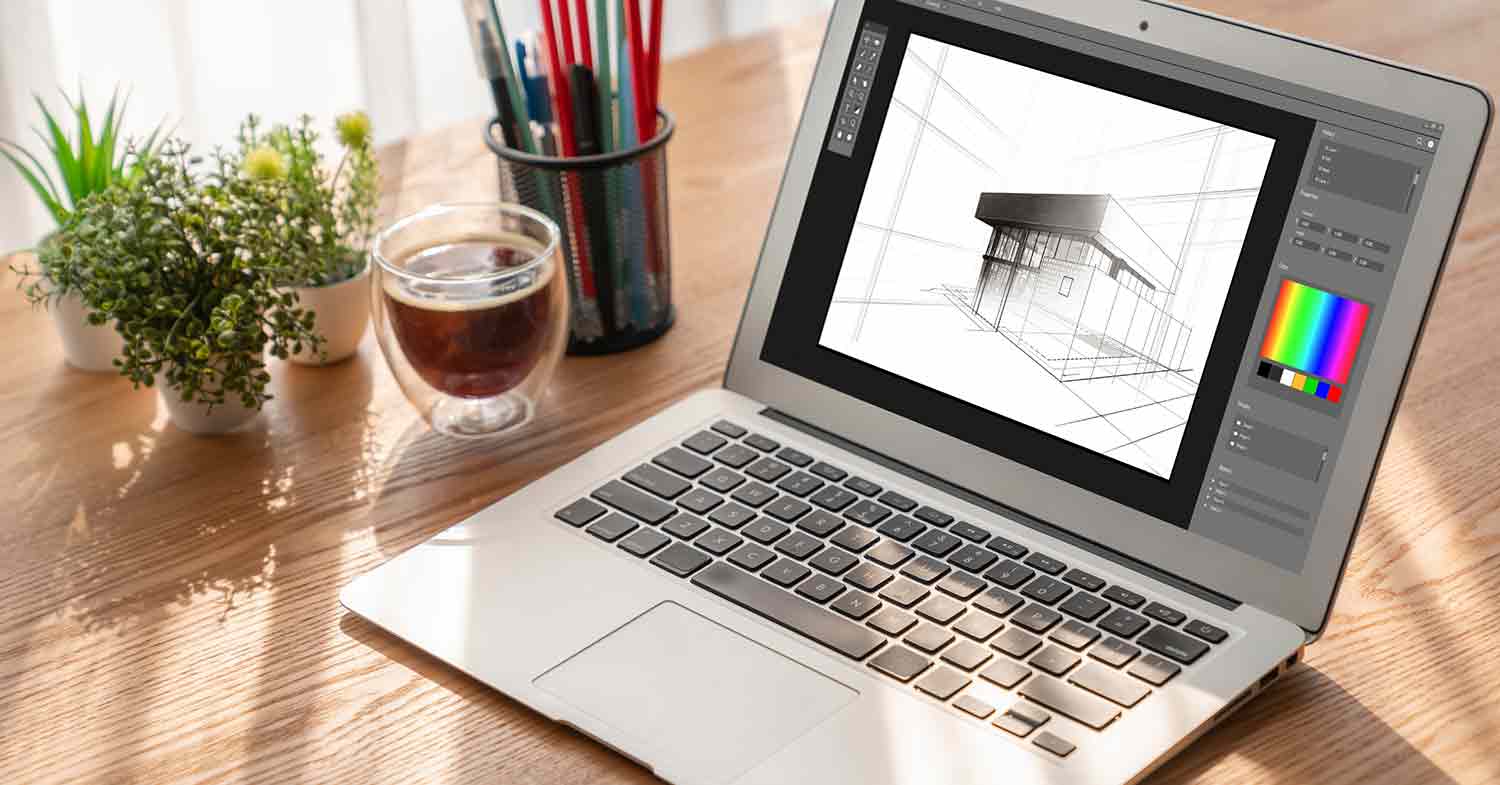
A powerful laptop isn’t just a luxury for designers — it’s a creative necessity. Graphic design software like Adobe Photoshop, Illustrator, and After Effects require solid processing power, high color accuracy, and reliable storage.
The right device helps you:
- Render large files faster
- Work with color-accurate visuals
- Run multiple creative tools smoothly
- Maintain battery life during travel
Whether you’re designing logos, editing high-resolution photos, or creating UI mockups, choosing the best laptop for graphic design ensures you can work without lag, crashes, or performance limits.
Quick Insight: Many professional designers upgrade their devices every 3–4 years to keep up with modern creative tools and display standards.
Graphic Design Laptop Requirements
Before picking a brand or model, it’s important to understand what makes a laptop suitable for design work.
Here’s a quick breakdown of the minimum and recommended specifications for 2025:
| Component | Minimum | Recommended |
| Processor (CPU) | Intel i5 / AMD Ryzen 5 | Intel i7 or Apple M3 |
| RAM | 8 GB | 16 GB or more |
| Graphics (GPU) | Integrated Intel Iris | Dedicated NVIDIA RTX / Apple M3 GPU |
| Storage (SSD) | 256 GB | 512 GB – 1 TB SSD |
| Display | Full HD (1920×1080) | 4K or Retina Display with 100% sRGB |
| Battery Life | 6 hours | 10+ hours for portability |
If you use Adobe Creative Cloud or 3D tools like Blender, prioritize GPU and RAM — they make a major difference in rendering and multitasking speed.
Pro Tip: Always choose an IPS or OLED display for better color accuracy — crucial for professional design work.
Best Laptop for Graphic Design and Photo Editing
When it comes to photo editing and color precision, display quality and processing power become key.
1. Apple MacBook Pro (M3, 2025)
- Why it’s great: Apple’s M3 chip delivers incredible performance for Photoshop, Lightroom, and Figma.
- Display: Retina XDR with 1,000 nits brightness and 99% color accuracy.
- Battery: Up to 18 hours.
- Ideal for: Professional designers, photographers, and motion graphic artists.
The MacBook Pro remains the gold standard for creative professionals — powerful, color-accurate, and reliable.
2. ASUS Vivobook Pro 15 OLED
- Why it’s great: Combines affordability with powerful specs — perfect for designers who want high performance without the Apple price tag.
- Display: 15.6″ 4K OLED, Pantone Validated for color accuracy.
- Performance: AMD Ryzen 7 or Intel i7 with NVIDIA RTX graphics.
- Ideal for: Freelancers and students in graphic or UI design.
The Vivobook delivers one of the best visual experiences under $1,000 — a smart choice for both beginners and mid-level professionals.
3. Dell XPS 15
- Why it’s great: Offers a balance between power and portability.
- Display: InfinityEdge 3.5K OLED touchscreen.
- Performance: Intel i7, NVIDIA RTX 4060 GPU.
- Ideal for: Designers working on photo, web, and motion graphics.
Best Budget Laptop for Graphic Design
If you’re looking for performance without spending over $1,000, here are excellent budget options that still meet design requirements:
1. ASUS Vivobook 14X
- AMD Ryzen 5 / Intel i5
- 16 GB RAM, 512 GB SSD
- 100% sRGB display
- Great for beginners and students using Photoshop, Canva, and Illustrator.
2. Acer Swift X
- Dedicated NVIDIA GTX 1650 GPU
- Slim design and solid battery life
- Ideal for remote designers and travel-friendly editing.
3. HP Envy 14
- Affordable yet powerful for creative apps
- 400-nit display, 11-hour battery life
- Perfect for freelance and content creation work.
Tip: When shopping on a budget, always prioritize display quality over pure CPU power — clear color accuracy makes your designs look professional.
Best Laptops for Graphic Design in 2025
Here’s a quick comparison of the best laptops for graphic design this year:
| Model | Processor | Display | GPU | Price Range |
| MacBook Pro (M3) | Apple M3 | Retina XDR | Integrated M3 GPU | $$$$ |
| ASUS Vivobook Pro 15 OLED | Ryzen 7 / Intel i7 | 4K OLED | NVIDIA RTX | $$$ |
| Dell XPS 15 | Intel i7 | 3.5K OLED | NVIDIA RTX 4060 | $$$ |
| HP Envy 14 | Intel i5 | Full HD | Intel Iris Xe | $$ |
| Acer Swift X | Ryzen 7 | 100% sRGB | GTX 1650 | $$ |
All of these laptops meet or exceed the graphic design laptop requirements for 2025, with top picks depending on your budget and editing needs.

Final Tips Before Buying
- Check screen color accuracy (ΔE < 2) — ensures true-to-life color editing.
- Invest in external storage for project backups.
- Avoid Chromebooks — they can’t handle heavy creative tools.
- Always test display brightness and battery before buying.
FileClub Tip: If you’re a designer downloading resources from Envato, Freepik, or UI8, a strong laptop helps manage heavy file previews, PSDs, and vector projects smoothly.
FAQ About Laptops for Graphic Designers
1. What’s the best laptop for graphic design in 2025?
The MacBook Pro (M3) leads in performance and color accuracy, while the ASUS Vivobook Pro offers the best price-to-performance balance.
2. How much RAM do I need for graphic design?
At least 16 GB is recommended for smooth editing in Photoshop, Illustrator, and After Effects.
3. Is a gaming laptop good for graphic design?
Yes, as long as it has a color-accurate display and good cooling. Many gaming laptops perform well for design tasks.
4. Which laptop is best for photo editing?
The MacBook Pro and Dell XPS 15 are top picks for photo editors due to their precise color displays.
Final Thoughts
Finding the best laptop for graphic design in 2025 means balancing performance, portability, and price.
Whether you choose the MacBook Pro for power or the ASUS Vivobook for value, investing in the right machine will boost your productivity and creative output.
👉 Check out FileClub for daily free design files, mockups, and UI assets to make the most of your new laptop.